

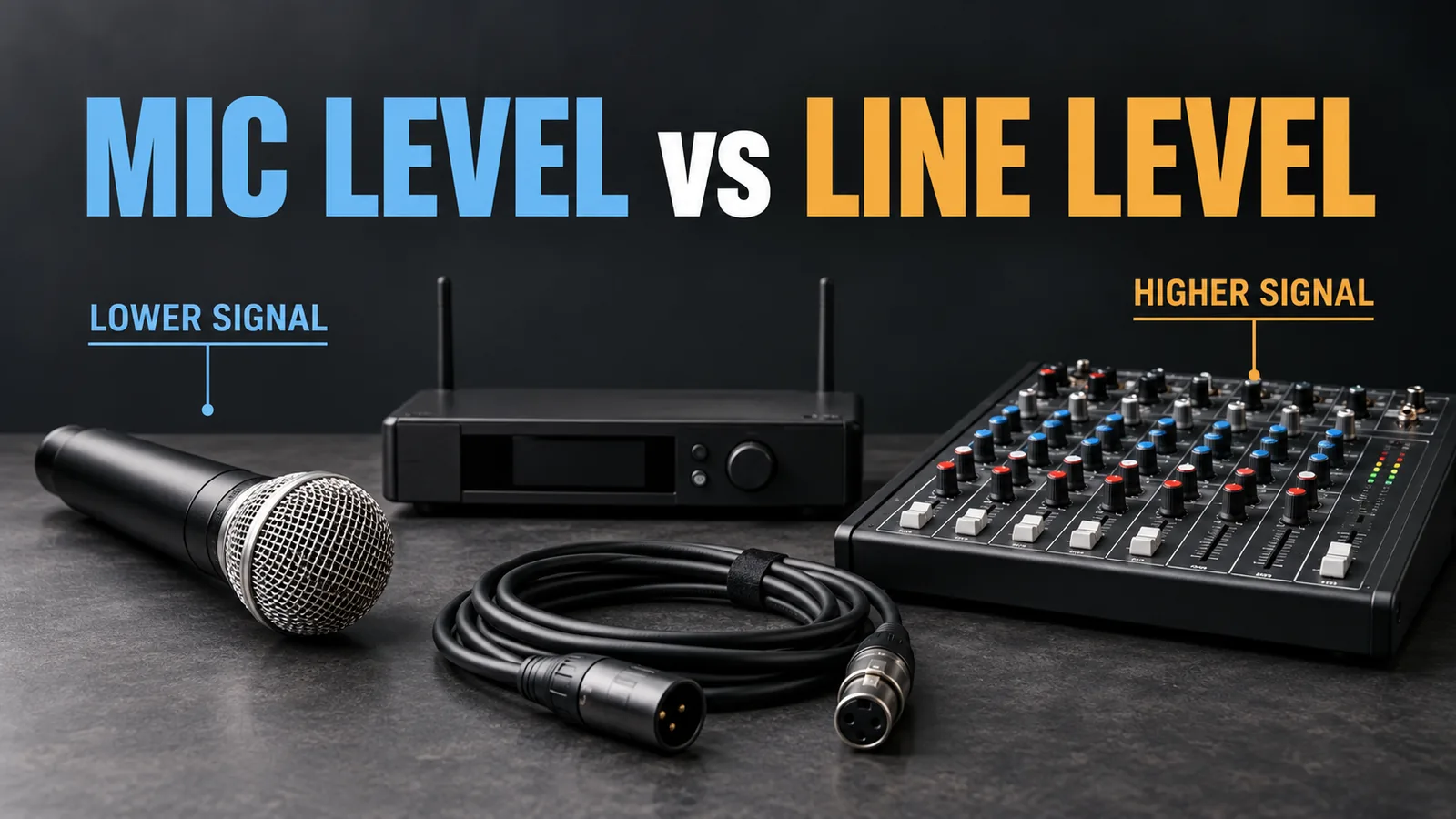
Mic level is the relatively weak analog signal normally produced by a microphone. Line level is a stronger signal used to pass audio between equipment. A microphone usually needs a mic preamp; a line-level source needs an input that can accept its output without overloading.
This distinction matters when connecting wired microphones, wireless receivers, mixers and audio processors. A plug may fit while the signal is too weak or too strong for the selected input. PreSonus’s introduction to signal levels explains the basic difference.
| Question | Mic level | Line level |
|---|---|---|
| How strong is the signal? | Usually much weaker | Usually much stronger |
| Where does it commonly come from? | An analog microphone | A mixer, preamp or audio processor |
| Which input should receive it? | A compatible microphone input | A compatible line input |
| What should you check? | Available preamp gain | Input capacity and output setting |
This guide covers analog audio connections. USB and other digital audio connections carry data and require a different compatibility check.
What is mic level?
A microphone turns sound into an electrical signal. That signal is normally small, so a microphone preamplifier raises it before further processing. The preamp may be built into a mixer or audio interface, or supplied as a separate device. Yamaha’s audio-system reference describes this role of the input preamp.
Mic level is not one fixed output voltage. The microphone’s sensitivity, the sound level and the distance from the source affect its output. Quiet speech farther from a microphone produces a different level from loud singing close to it.
This is why the correct gain setting must be established with the intended microphone and actual use conditions.
What is line level?
Line level is used between audio devices: for example, from a mixer to a signal processor or from an audio interface to a powered speaker’s line input.
Two common nominal references are:
| Equipment convention | Nominal level | Approximate RMS voltage |
|---|---|---|
| Professional audio | +4 dBu | 1.23 V |
| Consumer audio | −10 dBV | 0.316 V |
These are common conventions, not universal specifications. Check the actual equipment documentation. The references also use different units: 0 dBu is approximately 0.775 V RMS, while 0 dBV is 1 V RMS. Do not subtract the printed numbers as if they used the same reference. See Shure’s line-level explanation and Yamaha’s electrical specifications.
Nominal level is not maximum level
A nominal level describes a normal operating reference. It does not tell you the highest signal a device can send or accept before clipping.
For compatibility, compare the source’s maximum output with the receiving input’s maximum level at the intended gain or pad setting. Input capacity can change with the selected mode and gain. Focusrite’s input guide illustrates why the exact specifications matter.
What happens if you use the wrong input?
Mic output into a line input
A microphone connected directly to a line input may be very quiet because that input cannot provide enough gain for the weak signal. Check for a suitable microphone input or an external mic preamp before increasing downstream volume.
Line output into a mic input
A line-level signal can exceed a microphone input’s available headroom and cause distortion. Use a compatible line input, an appropriate documented mic/line mode, or a suitable attenuation solution.
These are common consequences, rather than a rule that every mic input will overload: some inputs accept a broad range of levels. RØDE’s mixer-output connection guidance gives an example of a line source requiring attenuation for a mic-only input.
If clipping occurs before the channel fader, lowering that fader makes the distorted signal quieter without repairing it. Our mixer gain vs fader guide explains where those controls act.
Should a wireless microphone receiver use mic or line output?
Check the receiver’s output specification. The fact that the system uses a microphone does not establish the level leaving the receiver.
Some receivers offer a mic/line switch or menu setting; others have fixed outputs or different adjustment options. Yamaha’s live-sound connection guide highlights this check. The Shure SLX-D user guide provides an example of receivers with selectable output levels and gain adjustment.
- If the chosen receiver output is set to line level, use an input documented to accept it.
- If it is set to mic level, use a compatible microphone input with sufficient gain.
- Check each connector separately. Do not assume XLR and 6.35 mm outputs have identical levels or share every control.
For a complete setup involving an effects processor, follow our wireless microphone connection guide.
Does XLR mean mic level?
No. XLR can carry microphone or line-level audio. Connector shape does not establish signal level, and balanced versus unbalanced describes a separate aspect of the connection. See our balanced and unbalanced audio guide.
Combo inputs also need attention. On some interfaces, the XLR section is intended for microphones while the central jack accepts line or instrument signals. Focusrite documents this arrangement for its interfaces; other equipment must be checked individually.
A basic plug adapter changes the connection, not necessarily the signal level. Use a level-matching device when required by the equipment.
How to check your levels before use
- Read both manuals. Identify the source output, destination input, mode selection and any pad setting.
- Start with low listening volume. Make connections and initial adjustments using the equipment’s recommended procedure.
- Test realistic peaks. Speak or sing at the intended distance and include the loudest expected voice.
- Check each stage. On a wireless system, inspect available transmitter, receiver and mixer meters rather than only the final output.
- Adjust where the problem starts. Reduce the signal or gain at the overloaded stage; leave room for louder peaks before setting the final listening level.
The SLX-D sound-check instructions give a manufacturer example of checking audio levels and reducing gain when necessary. There is no universal knob position for every system.
What buyers should confirm before ordering
When comparing wireless microphone systems or mixers, request output specifications alongside connector photos. “XLR output” alone is insufficient for a compatibility review.
| Request from the supplier | Why it helps |
|---|---|
| Fixed or selectable mic/line output | Establishes the intended destination input |
| Nominal and maximum output, with units and test conditions | Separates the operating reference from peak capability |
| Maximum input and gain range, including mode/pad conditions | Helps assess whether the receiving device can handle the source |
| Specifications for each output connector | Identifies differences between XLR, jack and mixed outputs |
| Individual versus combined channel outputs | Clarifies whether voices retain separate mixer control |
| Wiring details and control behavior | Supports accurate cables and end-user instructions |
For sample evaluation, use the mixer or processor planned for the project. Record the models, cable type, output mode and gain settings. Check quiet speech, normal voice and loud peaks; if using a combined output, also check the intended microphones together.
Agree on acceptance criteria before a bulk order. These are proposed checks, not a claim that any particular product has already passed testing.
Frequently asked questions
Can I connect a microphone directly to a line input?
An ordinary mic-level output usually needs a preamp first. If the microphone or its associated equipment explicitly provides line output, follow that specification.
Is line level better quality than mic level?
The names describe operating levels, not quality grades. Correct input selection and gain settings matter more than choosing the higher-sounding label.
Is line level the same as speaker level?
No. Speaker-level output from a power amplifier drives passive speakers and must not be connected directly to ordinary mic or line inputs. Focusrite’s signal-level guide explains the distinction.
Discuss equipment compatibility with EP AudioSource
Planning a distribution order, installation or OEM/ODM project? Send your setup requirements to EP AudioSource, including the application, equipment models, connector photos, destination country, estimated quantity and sample requirements.
EP AudioSource is an independently operated B2B sourcing and coordination service based in Enping, China. We can help clarify requirements and coordinate specification questions, quotations and samples with suitable manufacturers. Compatibility and commercial terms must be confirmed for the selected equipment and supplier.