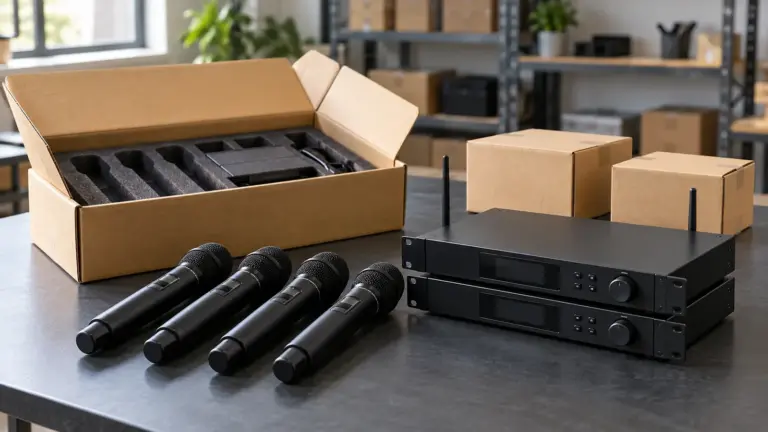


A 2.4GHz wireless microphone sends audio from a transmitter to a compatible receiver using radio signals in the 2.4GHz band. Modern systems commonly use digital transmission, and many handle pairing and frequency selection automatically. This can make everyday setup straightforward, but performance still depends on the system design and the surrounding radio environment.
For audio equipment buyers, the key question is whether that convenience fits the application. A training room, a portable presentation kit and a busy exhibition hall can place very different demands on the same microphone system. This guide explains the technology, its benefits and its practical limits before you select products for resale or installation.
What is a 2.4GHz wireless microphone?
The term “2.4GHz” describes the radio band used for the wireless connection. It does not describe the microphone’s audible frequency response, its sound quality or the number of microphones you can use together.
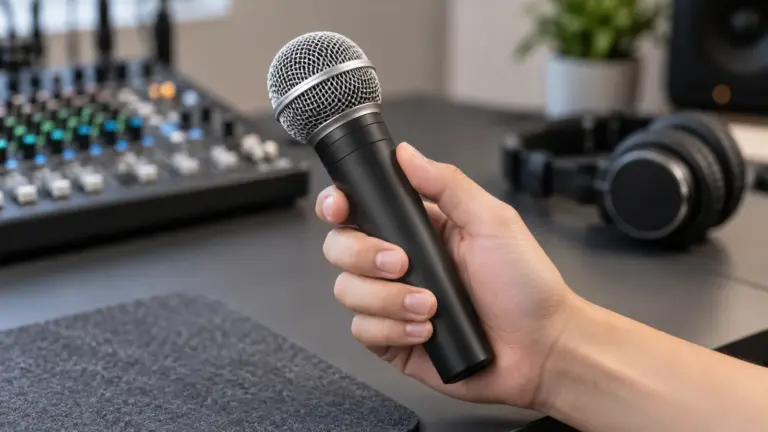
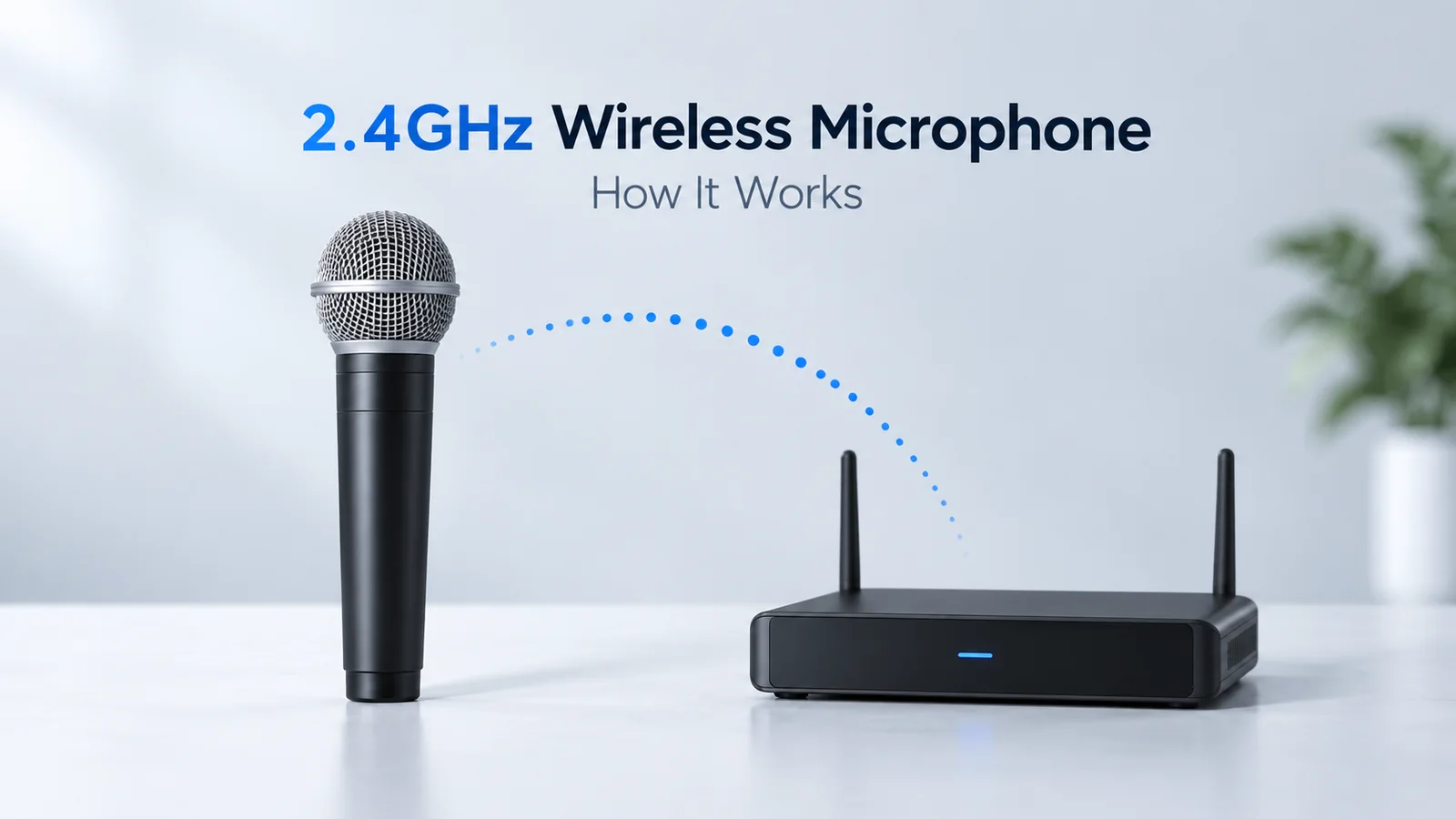
A system normally includes a microphone, a transmitter and a receiver. In a handheld model, the microphone capsule and transmitter are housed in the same unit. Other designs use a bodypack connected to a headset or lavalier microphone, or a compact transmitter with a built-in microphone. The receiver delivers the audio to compatible equipment, such as a mixer, camera or computer.
These formats serve different workflows. A handheld presentation system and a clip-on recording kit may share a radio band while offering very different controls, outputs and installation options. RØDE’s Wireless GO II documentation, for example, describes a compact digital system with built-in microphones and multiple output options; those features should not be assumed for every 2.4GHz product.
How does a 2.4GHz wireless microphone work?
From microphone to receiver: four steps
In a typical digital system, the signal follows this path:
Sound → microphone capsule → transmitter → 2.4GHz radio link → receiver → audio equipment
- The microphone captures sound. Its capsule converts speech, singing or another sound source into an electrical audio signal.
- The transmitter prepares the audio. Its electronics convert the signal into digital data and encode it for wireless transmission. Processing and coding methods vary between systems.
- The radio link carries the data. The transmitter sends it to a compatible receiver. Depending on the design, the system may change frequencies or use other techniques to maintain reception.
- The receiver provides an audio output. It recovers the audio and sends it through an analogue or digital connection supported by the product.
Digital conversion and processing are explained in Shure’s digital wireless overview. Its older regional frequency examples are not current regulatory guidance.
Automatic interference management is not identical across brands. For example, Sennheiser’s XSW-D FAQ describes automatic frequency selection and switching when interference is detected. Other systems may use different methods. Ask what the proposed model actually does, rather than treating “2.4GHz digital” as a complete technical specification.
Does it use Wi-Fi or Bluetooth?
Operating at 2.4GHz does not automatically make a microphone a Bluetooth device or require it to connect through a Wi-Fi router. Many dedicated systems establish their own link between transmitter and receiver.
RØDE, for example, states that its Wireless PRO does not use Bluetooth for that audio link. The practical lesson is to check the actual protocol and compatible receivers. Two products using the same radio band are not necessarily able to pair with each other.
What are the benefits of 2.4GHz wireless microphones?
Simpler everyday setup
Automatic pairing and frequency management can reduce the manual setup required from users. This is useful when equipment is operated by teachers, presenters or staff who need a repeatable routine rather than detailed radio-frequency controls. However, pairing procedures, recovery after a restart and interference-handling features remain model-specific.
Flexible formats for different workflows
The category includes portable kits and systems intended for installed sound. Buyers can therefore look for a format that matches how the equipment will be carried, connected and stored. As an example of an installation-oriented design, Audio-Technica’s System 10 PRO documentation describes rack mounting and receiver units that can be positioned separately from the chassis.
Digital audio and useful system features
Digital designs can offer clear audio and features such as selectable output modes or recording functions, depending on the model. Some recording-oriented transmitters can store a local backup: RØDE describes onboard recording as a safeguard for supported products.
These are product features, not automatic benefits of the frequency band. A backup recording also cannot repair an interruption heard through a live PA system. For live use, the wireless connection must remain reliable during the event itself.
What are the limitations?
Shared spectrum can become crowded
2.4GHz microphones share spectrum with Wi-Fi, Bluetooth and other devices. Busy radio conditions can reduce usable coverage or cause interruptions. Automatic frequency changes and diversity techniques help some systems cope, but they cannot guarantee trouble-free operation in every location.
Evaluate a sample with the venue’s normal equipment running. A quiet demonstration is not enough to establish performance during an exhibition, meeting or other busy event. RØDE’s range guidance identifies congestion as one of several factors affecting reception.
Obstacles reduce usable range
An unobstructed path between transmitter and receiver improves the chance of a stable link. Walls, solid objects and people can weaken the signal; turning away from a receiver may also change performance. The same RØDE guidance explains these effects.
Treat advertised range as a specification with test conditions, not a guarantee for your building. Verify the actual speaking positions, walking routes and receiver location. Avoid hiding a receiver behind metal equipment simply because it makes the installation look tidy.
Simultaneous use is limited by the system
There is no single maximum number for all 2.4GHz microphones. Capacity depends on the design, surrounding traffic and how systems are deployed.
Manufacturer examples show why model-specific checking matters: Sennheiser lists up to five simultaneous XSW-D systems, while Audio-Technica describes up to ten coordinated channels for System 10 PRO using its linking arrangement. These figures apply to those products and conditions, not to mixed-brand installations or every 2.4GHz system. Sources: XSW-D FAQ and System 10 PRO brochure.
Latency and compatibility need checking
Digital processing introduces delay. Its significance depends on the product and the complete audio path, especially when performers hear themselves through monitoring. Do not assume that “digital” means zero latency. Shure’s digital wireless overview explains this trade-off.
Connections are another practical limit. Check output type, level, cables and supported devices before ordering. A connector that physically fits does not prove that the signal level or function is correct. Our wireless microphone connection guide explains receiver-to-mixer integration.
Where does a 2.4GHz system make sense?
A suitable model can be worth evaluating for training, presentations, interviews, portable audio and smaller performance setups. The strongest candidates are applications with manageable microphone counts, sensible receiver placement and verified coexistence with nearby equipment.
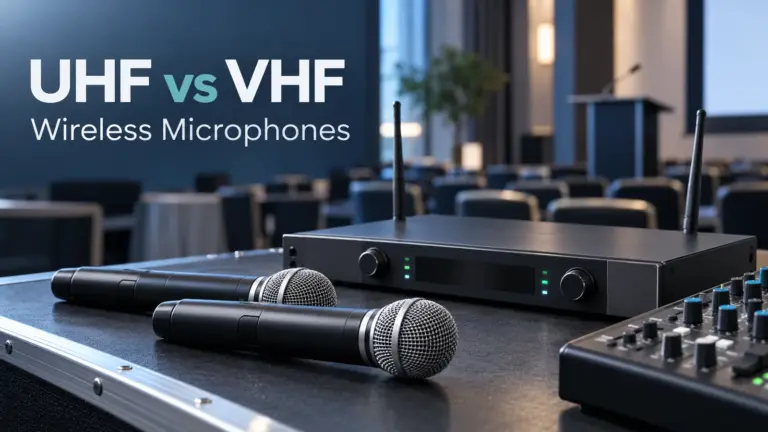
More demanding projects need a broader assessment: multiple adjacent rooms, crowded exhibition floors, difficult sightlines or many simultaneous microphones. In those cases, compare system architectures and alternative wireless options, including coordinated UHF systems where appropriate. The goal is to meet the application’s requirements, not to select a band by reputation alone.
What should B2B buyers check before ordering?
Use a short specification sheet to make supplier responses comparable:
| Check | What to request or test |
|---|---|
| Application and format | Handheld, headset, lavalier or built-in microphone; intended user workflow |
| Coverage | Range test conditions and a walk test across the actual operating area |
| Simultaneous use | Supported microphone count, adjacent-room operation and required linking arrangements |
| Audio performance | Listening test at matched levels, loud-voice handling and declared latency |
| Outputs | Connector types, output levels, cables and compatibility with the destination equipment |
| Power and service | Required runtime, charging procedure, battery replacement and available spare components |
| Destination market | Exact model, applicable radio requirements and supporting conformity documents |
Run all intended microphones together during the sample test. Record settings, receiver placement and any interruptions. Also check what happens after a power cycle and how a replacement transmitter is paired.
For cross-border purchasing, separate radio-use permissions from equipment conformity requirements. Do not treat a “licence-free” marketing label as proof of approval in every destination. The IMDA equipment registration guide and ICASA type-approval information illustrate that national equipment requirements must be checked separately; neither establishes a global rule.
Frequently asked questions
Can a 2.4GHz wireless microphone work without internet?
Yes, a dedicated transmitter-and-receiver system can carry audio without an internet connection. Check whether any optional app, registration or update process has separate connectivity requirements.
Will Wi-Fi always cause interference?
No. Sharing the band creates a potential coexistence issue, not an automatic failure. Results depend on the equipment, traffic and placement. Test with the network operating as it normally would.
Can I mix transmitters and receivers from different brands?
Do not assume so. Matching the frequency band is not enough; the radio protocol and pairing support must also be compatible. Use combinations explicitly supported by the manufacturers.
Sourcing a system that fits the application
A 2.4GHz wireless microphone can make wireless audio convenient when its features, coverage and capacity fit the job. For procurement, the most useful next step is a clear application brief followed by a relevant sample test.
EP AudioSource is an independently operated B2B audio sourcing and coordination service based in Enping, China. It helps buyers clarify requirements, identify suitable manufacturers, and coordinate quotations, samples and OEM/ODM communication. Model availability and commercial terms depend on the selected supplier and agreement. Learn more in our Enping audio sourcing guide.
Send your microphone sourcing requirements to EP AudioSource with your destination country, application, required simultaneous microphone count and estimated order quantity.